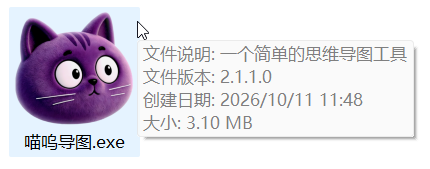
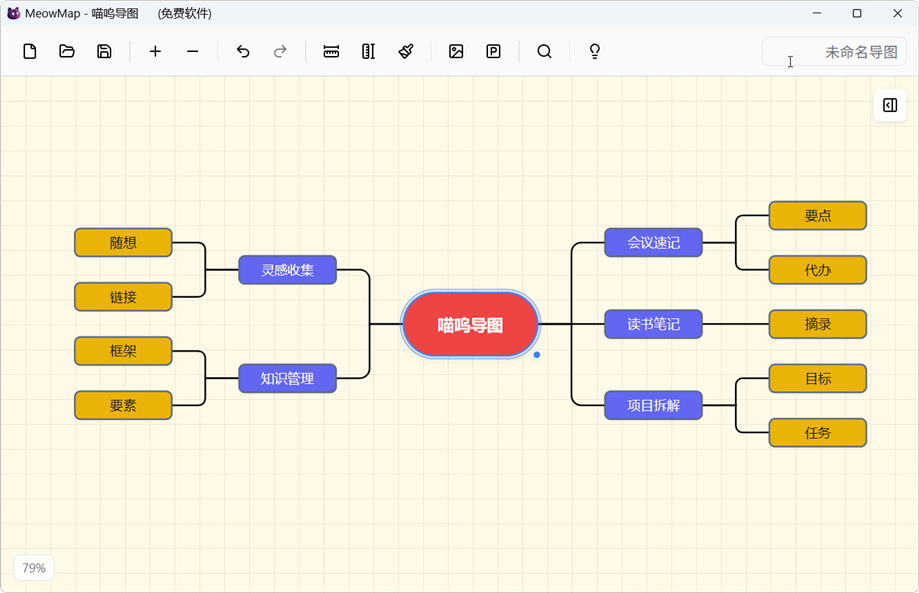
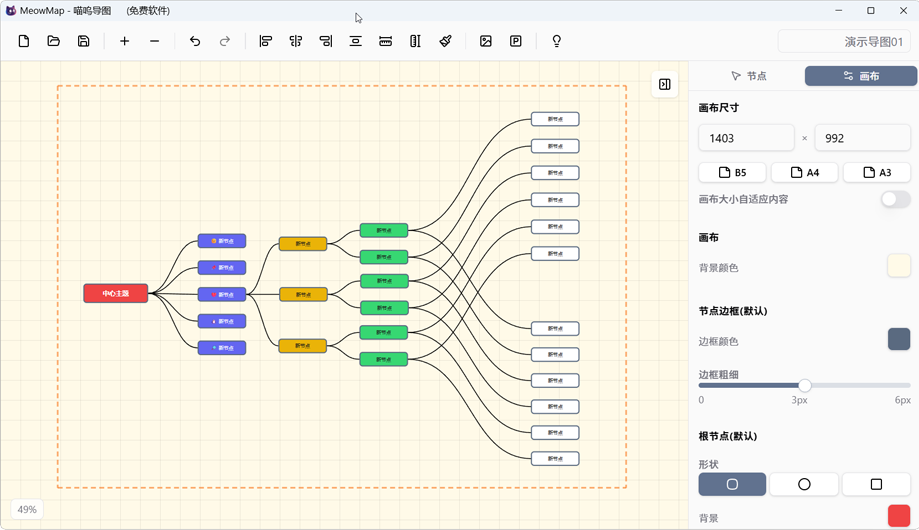
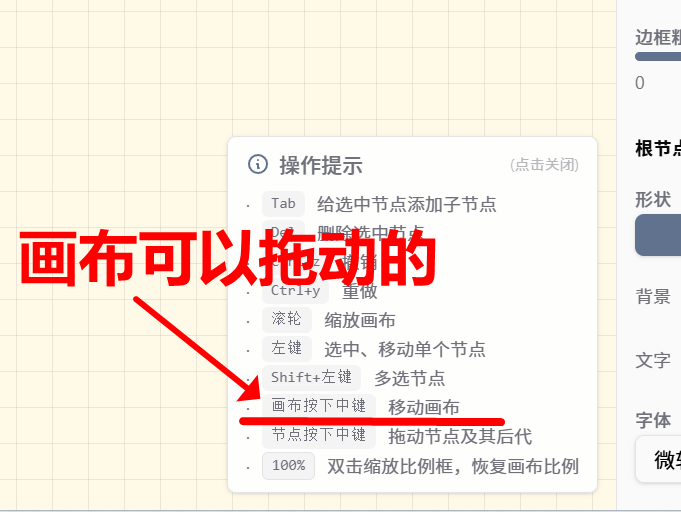
用aardio制作了一个【思维导图】小软件

Mr_MAO 54分钟前 27

上周末人闲事少,参考这个帖子( gdip 绘制主从关系节点图),试着用aardio做个简单的思维导图程序,结果发现还挺难的,虽然有AI协助,但是仅仅自绘"属性栏"就把人折腾的够呛...


半晌无果后,想到aardio是著名的胶水语言,所以转用阿里的秒悟在线开发,这个AI还是很牛,半天就搞好了一个前端工程,然后再用aardio套了个壳,呵呵,一个思维导图小程序很快就做好了。


这个程序我上传到附件,欢迎大家拍砖,提意见!😀🌹


麻雀虽小,五脏俱全,这个程序大小不到2.45M,但基本的功能都有(鼠标拖动、中键拖动、鼠标框选;打开、保存、导出png/pdf等)。


以下是简单的测试代码:

import win.ui;
/*DSG{{*/
var winform = win.form(text="简单的思维导图 @Mr_MAO";right=1023;bottom=671)
winform.add()
/*}}*/

import web.view;
var wv = web.view(winform);
wv.html = /***
<!doctype html>
<html>
  <head>
    <meta charset="UTF-8" >
    <meta name="viewport" content="width=device-width, initial-scale=1.0" >
    <style>
      html, body {
        margin: 0;padding: 0;width: 100%;height: 100%;
      }
      html.light, html.light body {
        background-color: #ffffff !important;
        color: #000000;
      }
      html.dark, html.dark body {
        background-color: #1a1a1a !important;
        color: #ffffff;
      }
    </style>
    <script>
      (function() {
        const isInIframe = window.self !== window.top;

        function applyThemeToDOM(theme) {
          document.documentElement.classList.remove('light', 'dark');
          document.documentElement.classList.add(theme);
          document.documentElement.setAttribute('data-theme', theme);
        }

        if (isInIframe) {
          window.addEventListener('message', function(event) {
            if (event.data && typeof event.data.theme === 'string') {
              var theme = event.data.theme;
              if (theme === 'light' || theme === 'dark') {
                applyThemeToDOM(theme);
              }
            }
          });
        } else {
          applyThemeToDOM('light');
        }
      })();
    </script>
    <script type="module" crossorigin src="https://assets.cdn.meoo.host/assets/HLNKqu69W21r11wOae0wTz92Dnpv40sK/assets/index-BHM3Kgg9.js"></script>
    <link rel="stylesheet" crossorigin href="https://assets.cdn.meoo.host/assets/HLNKqu69W21r11wOae0wTz92Dnpv40sK/assets/index-CIU5db0G.css">
  </head>
  <body>
    <div id="root"></div>
  </body>
</html>
***/

winform.show();
win.loopMessage();
上传的附件:
最新回复 (0)
返回